
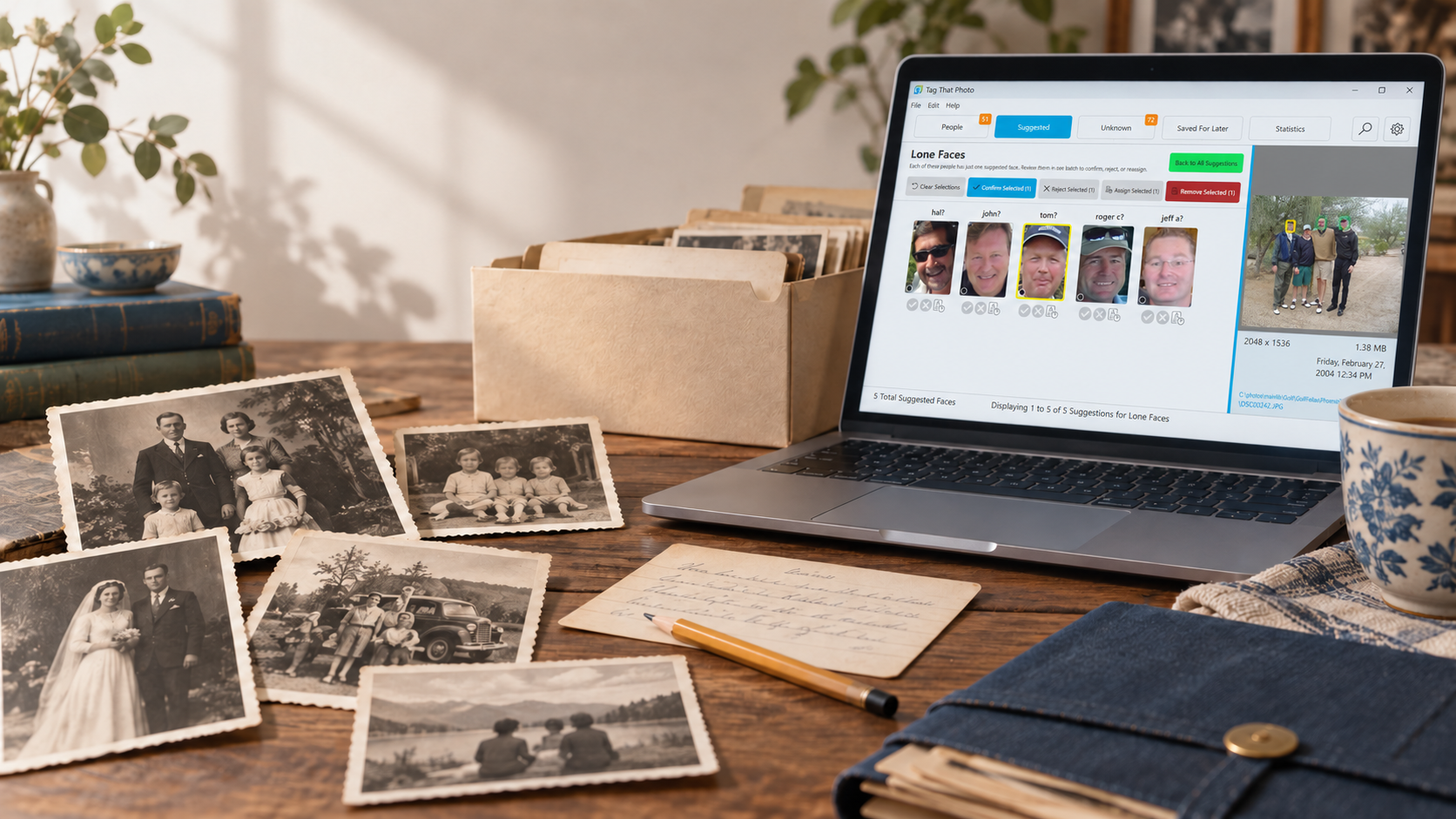
Why Tagging Is Not Enough: The Case for Metadata You Can Trust
You can spend years naming people, writing captions, and placing photos on a map. None of that work lasts if the metadata inside the files is mixed up, incomplete, or quietly failing to write. A name that never leaves the catalog, a date that disagrees with itself, or a face box attached to the wrong person is not a small bookkeeping error. It is the difference between a photograph that still tells its story in twenty years and a file that is only a picture again.
Tag That Photo is built around that idea. Organizing a library is the start. The point of the work is metadata that stays intact, valid, and readable — so the effort you put in is the effort that survives.
Metadata Is Easy to Get Wrong
Photo metadata is not one label. It is several standards living in the same file, often written by different programs over many years.
- EXIF holds what the camera recorded: date, orientation, GPS, and the private MakerNotes block that only the camera maker fully understands.
- IPTC holds the descriptive fields photographers and archives expect: caption, keywords, credit, location.
- XMP holds the richer structure: titles, descriptions, and face regions in more than one layout (Metadata Working Group, Microsoft Photo regions, and IPTC Extension).
Those layers do not always agree. One program stores “date taken” in the camera tag. Another stores a different value in XMP. A keyword that was meant to be a single phrase — fishing,trout — gets split into two tags because a comma looked like a separator. A family name such as Johnson, Sr is written as a broken structure instead of one person. Binary MakerNotes leak into a title or a city field and show up as unreadable text. A JPEG refuses an embedded write, so the tags you thought you saved never land in the file.
None of this is exotic. It is what happens when real libraries move between cameras, phones, scanners, and photo tools. Making sure the result is intact and valid is part of keeping the archive, not an optional extra.
Review the Whole Library, Not One Photo at a Time
Tag That Photo reads your images, keeps a catalog of what it found, and — when you choose to write metadata — puts names, dates, places, keywords, and face regions back into the files using open standards. Along the way it checks the library as a whole.
Open Statistics and look at Data Quality. The checks run across every image in the catalog. You can refresh them after you fix something, export a report that lists every issue (with the full file path, so you can go straight to the photo), and open an affected image in the Photo Viewer from that report.
That review is what turns “I think my tags are fine” into something you can see.
What Tag That Photo looks for
- Date discrepancies. A photo can carry more than one Date Taken value — the camera/EXIF date and a different date from other metadata. Those conflicts are flagged instead of being overwritten in silence. You choose which date to keep, and that choice is written through the date tags.
- Unreadable title or location text. Title, description, author, copyright, and location fields are checked for text that is not really text — typically camera MakerNotes that were imported as if they were a caption or a place name. Those fields are listed so you can clear them rather than preserve garbage in the archive.
- Overlapping face regions with different names. Two boxes that cover the same face but name different people are a sign the regions got mixed. They are called out so you can correct the photo before that confusion is written back out.
- Possible duplicate people. Similar names that may be the same person are surfaced for review. Generational suffixes stay distinct on purpose:
Stan Thompson SrandStan Thompson Jrare not treated as one person, and a suffixed name is not merged with the name that has no suffix. - Metadata write failures. If a file could not accept the tags you asked to save, it appears here — separate from cases where there was simply nothing new to write, and separate from photos that were saved beside the original because the embedded block could not be updated safely. You can retry the ones that failed.
- Metadata written to a sidecar because of MakerNotes. Some JPEGs block a normal EXIF update when the camera’s MakerNotes are damaged or in the way. Tag That Photo retries with repair options and, if the embedded write still cannot succeed, saves the tags and face regions in an XMP sidecar next to the JPEG. Those photos are listed as information, not as failures, so you know the metadata was preserved and where it lives.
- Unmerged duplicate images. Files that are the same pixels, stored as separate catalog entries, are listed so you can merge them instead of tagging the same moment twice and letting the copies drift apart.
- Faces and people that no longer line up. Orphaned faces whose image is gone, people with no faces left, and faces missing a thumbnail are included. They are catalog problems, but they affect whether the names you trust are still attached to real photos.
- Images still waiting to be processed. Photos that have not finished their metadata pass stay visible, so “not done yet” is not mistaken for “already correct.”
- Rotated HEIC and RAW files with a stale preview. Orientation mistakes leave a proxy that no longer matches the photo. Those files are flagged for a fix and rescan so the picture you see and the metadata you save describe the same image.
When a scan finishes, Tag That Photo can ask you to review data quality in Statistics. The list is the peace of mind: you are not hoping the library is consistent. You are looking at what is inconsistent, file by file.
A Shoutout to ExifTool
None of that reading and writing would be reliable without ExifTool. Phil Harvey’s utility goes well past the basic need to view a few tags and write them back. It understands the real mess inside photo files: hundreds of formats, camera MakerNotes, structured IPTC and XMP, face regions, damaged offsets, and the small differences that make one JPEG writable and the next one not.
Tag That Photo relies on ExifTool for the job it does for users. When the app reads what is already in a file, when it writes names, dates, places, keywords, and face regions, and when it repairs a MakerNotes block or falls back to a sidecar, it is calling ExifTool to do the image update that has to be exactly right. The data-quality checks described above sit on top of that foundation. ExifTool is what makes the foundation solid.
Intact Metadata Is the Archive
Folders and filenames are convenient. They are not the record. The record is the information inside the image: who is in it, when it was taken, where it was made, and the words you added so someone else can understand it later.
That information is fragile because the formats are complicated and because many tools have already touched the same files. Tag That Photo’s job is to keep your tagging and to check that the result is still valid — dates that agree, names that are real names, face regions that do not contradict each other, and writes that either succeed or tell you exactly where they did not.
Organize the photos. Tag the people. Then look at the quality of the metadata. That last step is what makes the first two worth doing!